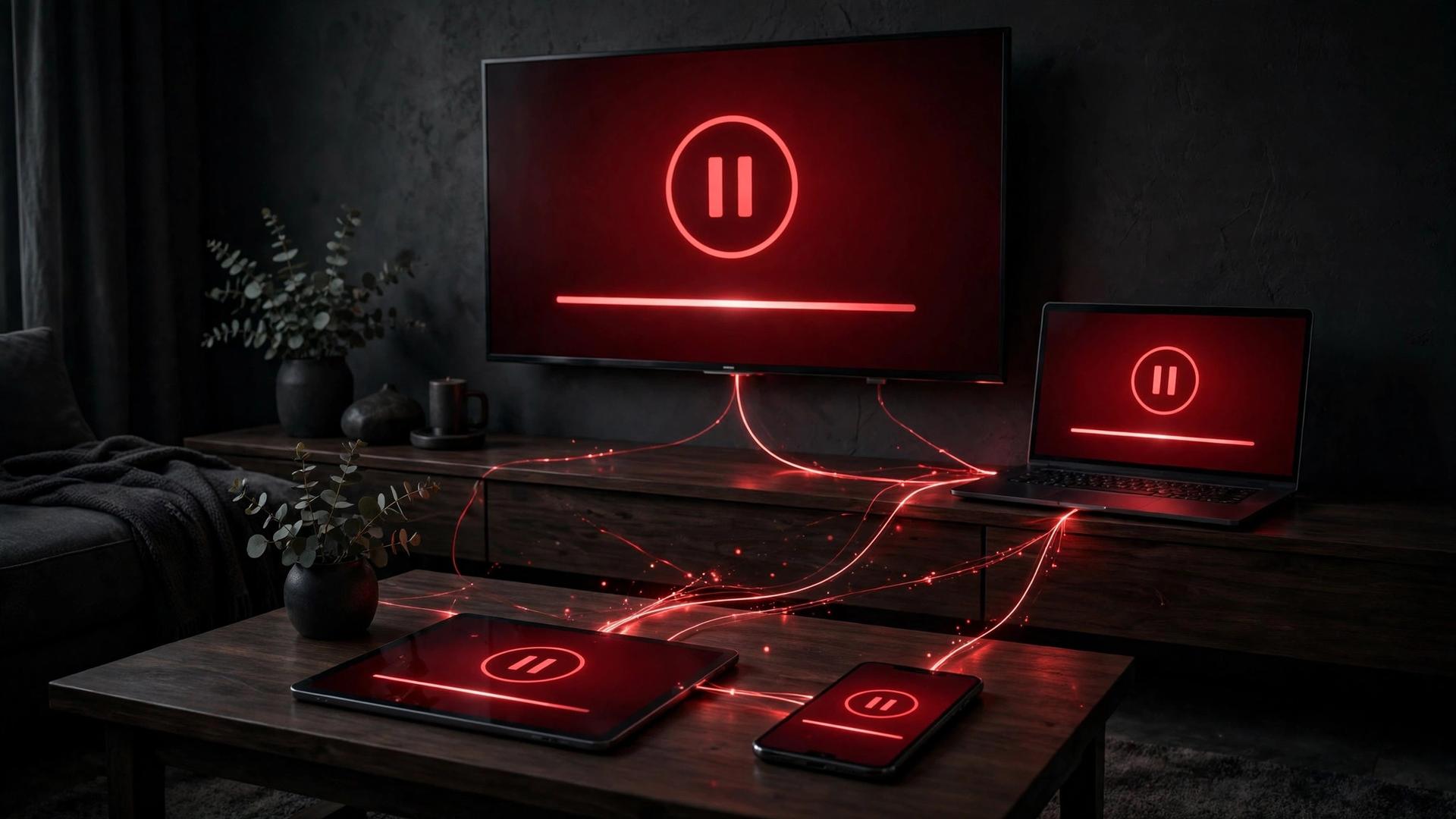
A household rarely has one screen any more. There is a television in the living room, another in a bedroom, perhaps a Firestick in a holiday home, and a tablet for the kitchen.
IBO Player multiple devices setup can run on all of them, but it does not work the way a streaming service login does: there is no username and password to share, because each device is identified by its own MAC address and needs its own activation.
No username. No password to share. Each screen is identified by its own MAC address, and each one needs its own activation. A plan that covers one device will block the second screen at the worst moment — usually mid-match. Count the screens that watch at the same time, buy the plan that covers them, and add each device with its own address.
IBO Player Multiple Devices: One Device, One MAC Address
Every device that runs IBO Player shows its own MAC address on the welcome screen, and that address is the key that unlocks the playlist for that device. A Samsung TV, an LG TV and a Firestick in the same house will each show a different address. Same Wi-Fi network. Same household. Different address. Activating one of them does nothing for the others, because the IBO servers check the address of the device that is asking. IBO Player Activation Guide 2026.
The same rule applies to the two IBO apps. IBO Player and IBO Pro Player on the same television have different addresses, so they count as different devices even though they sit on the same screen. Always activate the address of the app you actually open, and keep a note of each address with the room or device it belongs to, so support can help you without a long back-and-forth.
Multi-device plans and what they cost
IBO Player TV multi-device plans cover extra screens under one subscription, so you do not pay for a full separate plan per television. The twelve-month Premium plans are $159.99 for two devices, $224.99 for three devices and $269.99 for four devices, compared with $99.99 for a single device for twelve months. Shorter terms follow the same idea: Premium is $19.99 for one month, $49.99 for three months and $79.99 for six months on one device, with multi-device pricing confirmed by support for those terms. Basic multi-device pricing follows the same pattern, with twelve-month Basic at $109.99 for two devices, $159.99 for three and $199.99 for four, against $59.99 for one device. Before you buy, count the screens that will actually watch at the same time, because a plan that covers four devices is wasted if only two are ever on together, and a plan that covers one device will block the second screen at the worst moment.
- Each device has its own MAC address and needs its own activation
- Count the screens that watch at the same time before you buy
- Send the new device MAC address with your existing one to support
- Test both devices together at peak evening time
- Never share a MAC address outside your household
How to add a second device
Install IBO Player on the new device. Open it once. Read the MAC address and Device Key on the welcome screen. Send those details to IBO Player TV on WhatsApp at +212 604 034 330, together with your existing MAC address, and say you want to add a device to your plan. Support will confirm the price for the extra screen, activate the new address, and tell you when to restart the app on the new device. How to Find and Activate Your IBO Player MAC Address.
After confirmation, restart IBO Player on the new device and allow up to a minute for the playlist to load the first time. Test the new device at peak evening time. Keep the first device playing too. That is the real test of a multi-device plan. If the second device loads but the first one drops, the plan may not cover simultaneous viewing, and support can check the limit for you. IBO Player Plans, Pricing and Free Trial 2026.
Rules that stop devices blocking each other
Never use the same MAC address on two devices. The servers will treat the second connection as a duplicate and can block both.
Never share your MAC address outside your household, because anyone who activates it can use your playlist and can also get your line blocked if they misuse it. Keep each device on its own address, its own activation, and its own place in your plan, and the system works as designed.
If you replace a television, tell support before you throw the old one away, so the playlist can be moved from the old address to the new one without a gap. If you take a Firestick to a holiday home, it keeps working on a different network. Activation is tied to the device address. Not to your home Wi-Fi. Just make sure the holiday connection is strong enough for live television, or lower the stream quality one step.
| Premium 12 months | Devices | Price | Per device |
|---|---|---|---|
| Single | 1 | $99.99 | $99.99 |
| Family | 2 | $159.99 | $80.00 |
| Family | 3 | $224.99 | $75.00 |
| Family | 4 | $269.99 | $67.50 |
| Basic 12 months | 4 | $199.99 | $50.00 |
Count the screens that watch together. Buy the plan that covers them. Add each device with its own MAC address, test them side by side at peak time, and never share an address outside your household. A plan that covers the screens you actually use is cheaper than two separate subscriptions — and far less frustrating than a blocked second screen.