Search for IBO Player and you will find two very similar names, IBO Player and IBO Pro Player, and it is easy to install the wrong one and then wonder why activation does not work. The two apps come from the same family. They play the same kind of playlist. But they are separate apps, with separate MAC addresses, separate activations, and different features. Knowing which one you have is essential before you send anything to your provider.
Install the wrong app and activation fails in the most confusing way possible. Support activates the address you sent. You open the app. The screen is empty. Nothing is broken — you activated IBO Player, and you are staring at IBO Pro Player. Or the other way round. Each app has its own MAC address and its own activation, and the servers will not mix them up for you. Decide which app you want first, then send only its address.
IBO Pro Player vs IBO Player: The Key Difference in One Paragraph
IBO Pro Player is the newer, fuller-featured version, with a more modern interface, extra customisation, and additional tools for managing favourites and multiple playlists. Both apps need a playlist from a provider, and neither app includes channels on its own.
The practical consequence is that you cannot activate one app with the other app address. If support activates your IBO Player MAC address and you then open IBO Pro Player, you will see an empty screen, because the Pro app has a different address. Decide which app you want first, install that one, and send only its address for activation. IBO Player Activation Guide 2026.
Features compared side by side
IBO Player keeps its interface deliberately simple. Open the app. Pick a channel. Watch. No menus to learn. Its guide, favourites and search cover the daily needs of most households, and it runs well on older televisions with limited memory. IBO Pro Player adds a richer home screen, more layout options, catch-up controls where the provider supports them, and better multi-playlist handling for households that use more than one line.
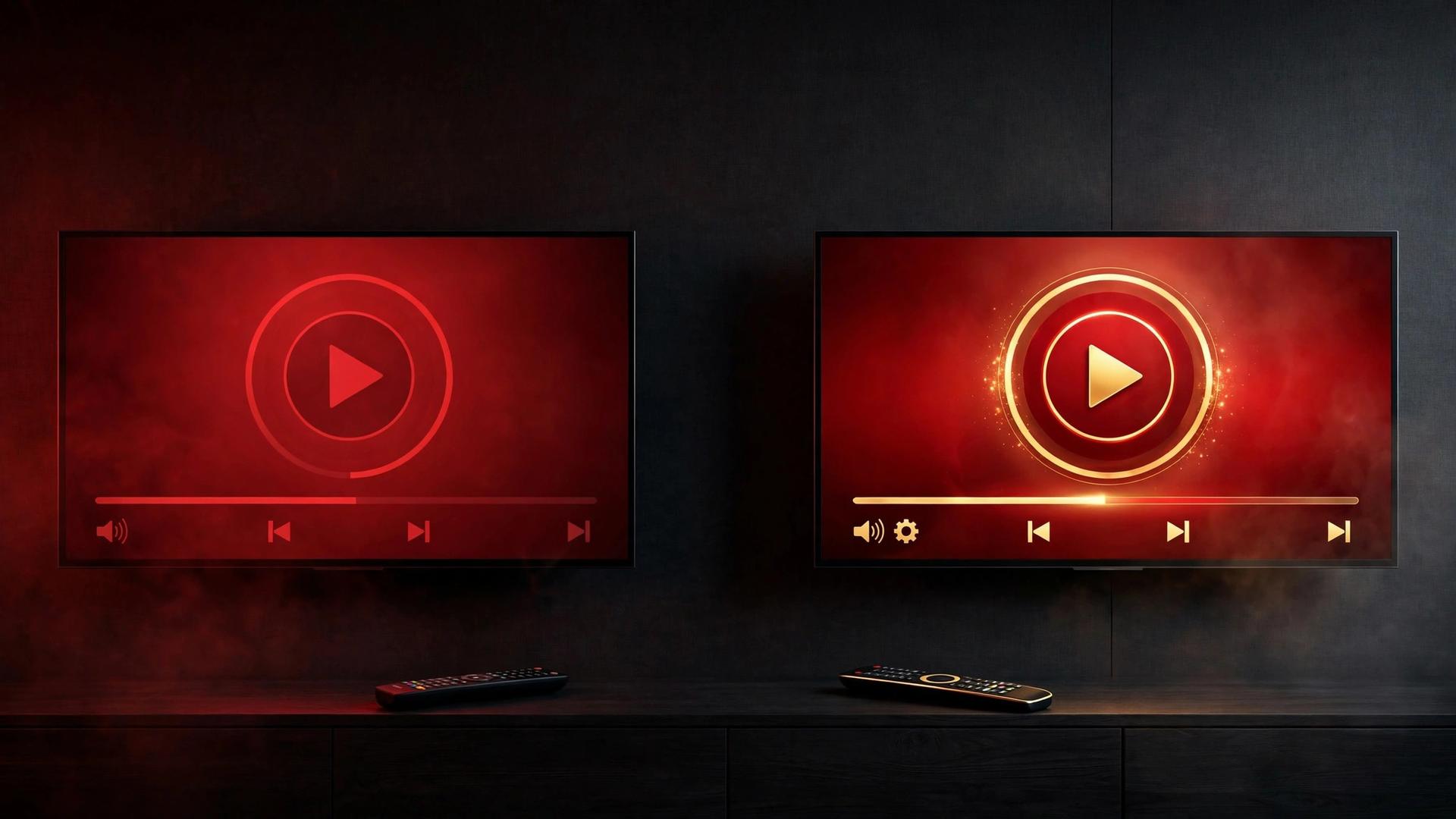
Open each app and the difference is visible at once. IBO Player opens on a simple channel list and guide, built for fast zapping. Pro opens on a richer home screen with more layout options, more room for favourites, and better handling for households that run more than one playlist. The channels are the same. The picture is the same. What changes is how fast you find what you want, and how much you can rearrange the menus around yourself. If you value simplicity and speed, IBO Player is enough. If you value customisation, Pro is worth trying.
- IBO Player is the simpler, lighter original app for most TVs
- IBO Pro Player adds customisation, layouts and multi-playlist tools
- Each app has its own MAC address and its own activation
- The playlist and picture quality come from the provider, not the app
- Tell support clearly which app you use when you send your address
Price and activation compared
Both apps may ask for a one-time app activation fee on some devices, and the fee can differ between the standard and Pro versions, so check the price shown inside the app you actually installed before you pay anything. That app fee is separate from your IPTV subscription with IBO Player TV, which is Premium at $19.99 for one month, $49.99 for three months, $79.99 for six months and $99.99 for twelve months, or Basic at $14.99, $24.99, $39.99 and $59.99. Activation works the same way in both apps: open the app, copy the MAC address and Device Key from the welcome screen, and send them to IBO Player TV on WhatsApp at +212 604 034 330. Support activates the address for the app you name, so always say clearly whether you use IBO Player or IBO Pro Player. A 24-hour free trial lets you test either app on your own television before you choose a paid plan. How to Find and Activate Your IBO Player MAC Address.
Which one should you choose
Choose IBO Player for an older Samsung or LG television. Choose it for a simple interface. Choose it when everyone in the house just wants live television without extra menus. Choose IBO Pro Player if your television is newer and faster, if you like customising layouts and favourites, or if you manage more than one playlist and want them organised in one place. There is no wrong answer, because both apps play the same IBO Player TV playlist.
If you are unsure, start with IBO Player. It is the safer choice on the widest range of devices. Try the free trial there first. IBO Player Plans, Pricing and Free Trial 2026.
You can switch to Pro later by installing it, reading its new MAC address, and asking support to move your playlist to the Pro address. Do not run both apps with the same playlist at the same time unless your plan covers two devices, because each activation is tied to one app on one device.
| Feature | IBO Player | IBO Pro Player |
|---|---|---|
| Interface | Simple and fast | Modern and customisable |
| Best for | Older TVs, simple viewing | Newer TVs, power users |
| Favourites and guide | Yes, basic | Yes, more options |
| Multi-playlist | Limited | Better handling |
| Activation | Own MAC address | Own MAC address |
Pick one app before you send anything. Open it, copy its MAC address and Device Key, and tell support clearly whether you use IBO Player or IBO Pro Player. Start with the 24-hour free trial on that app. If you switch later, install the other app, read its new address, and ask support to move your playlist — never run both on one activation unless your plan covers two devices.