IBO Player Apple TV setup is the one corner of the IBO world where the setup is not identical to Samsung, LG and Firestick, because Apple TV and iOS handle apps and device identifiers differently. IBO Player is not always listed in the Apple App Store in every region. Apple users need to know the install options. The activation path. And the AirPlay workaround that lets an iPhone feed a television when a direct install is not available.
No direct install? AirPlay is the bridge. Open a channel on your iPhone. Tap the AirPlay icon. Choose your Apple TV. The video plays on the big screen while the phone acts as the remote. That workaround matters because IBO Player is not always listed in the Apple App Store in every region — Apple TV and iOS handle apps and device identifiers differently from Samsung, LG and Firestick. Check the store first. If the official app is listed, install it and activate it the usual way. If it is not, AirPlay or a Firestick will get you watching.
IBO Player Apple TV: Is It on the Apple App Store?
IBO Player availability in the Apple App Store varies by region and by device, and Apple TV owners should check first before they plan around it. Open the App Store on your Apple TV, search for IBO Player, and see whether the official app is listed.
If it is, install it, open it, and read the MAC address and Device Key on the welcome screen exactly as you would on any other device.
If the app is not listed on your Apple TV, do not install a lookalike app with a similar name, because only the official app produces an address your provider can activate. In that case, the practical options are to use IBO Player on an iPhone or iPad if it is listed there, to use AirPlay from an iPhone to the Apple TV, or to plug a Firestick or Android TV box into the television for the main viewing, which runs IBO Player directly and reliably.
Activate IBO Player on Apple devices
When IBO Player is installed on an Apple TV, iPhone or iPad, activation follows the same rule as everywhere else: the MAC address shown inside the app is the key. Send that address and the Device Key to IBO Player TV on WhatsApp at +212 604 034 330, and ask for the 24-hour free trial or a paid plan. Premium is $19.99 for one month, $49.99 for three months, $79.99 for six months and $99.99 for twelve months; Basic is $14.99, $24.99, $39.99 and $59.99. IBO Player Activation Guide 2026.
After support confirms activation, close the app fully. Reopen it. Allow up to a minute for the playlist to load. On Apple devices, make sure the device time and date are set to automatic, because a wrong clock can block the first server connection. If the playlist does not appear, use the reload option in the app settings and check that the device is on a stable Wi-Fi network before you try again.
Watch on Apple TV with AirPlay
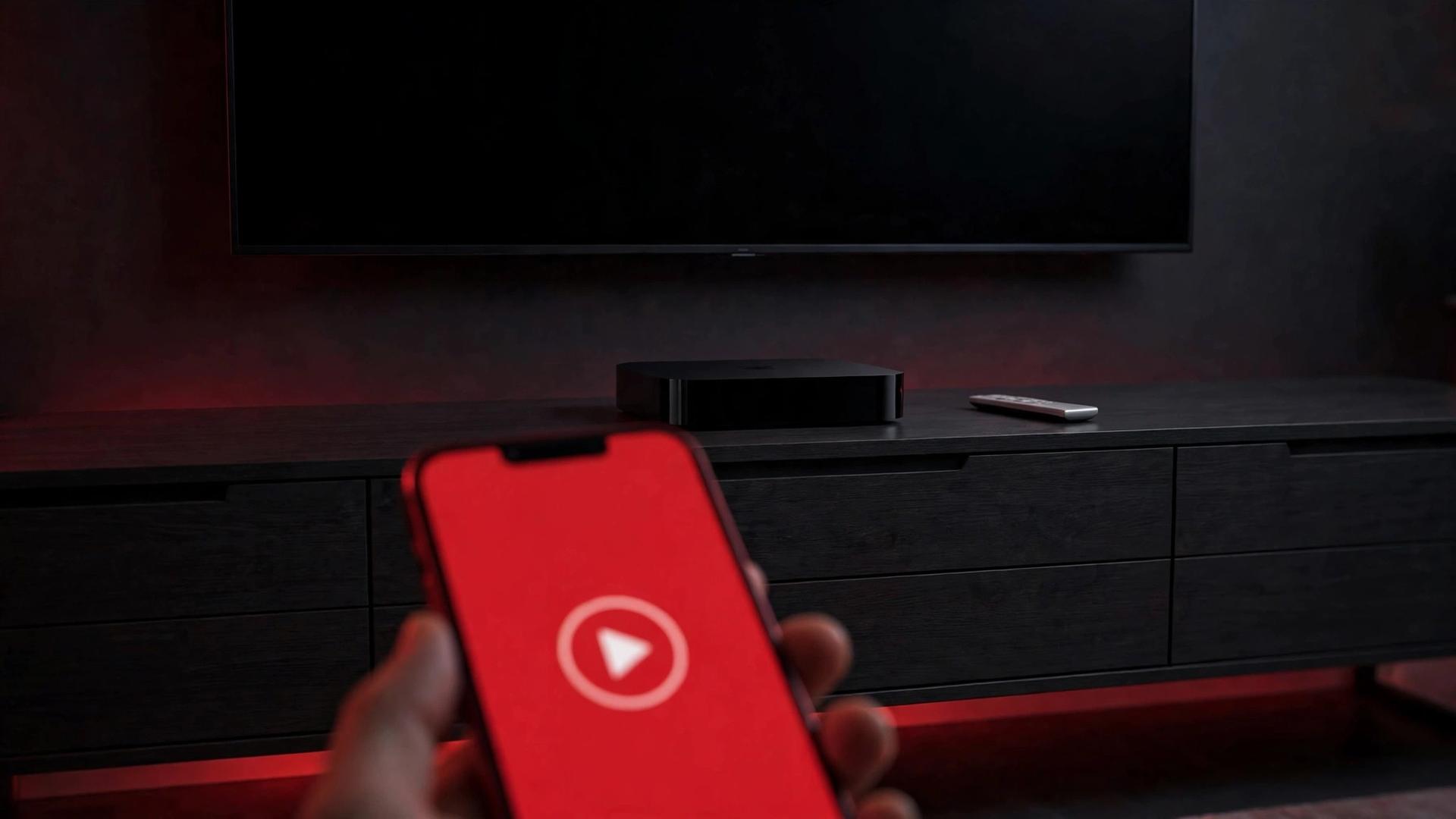
If IBO Player runs on your iPhone or iPad but not on your Apple TV, AirPlay is a useful bridge. Open the channel or movie on your iPhone, tap the AirPlay icon, and choose your Apple TV, and the video will play on the big screen while your phone acts as the remote. Keep the iPhone charged. Keep it on the same Wi-Fi network as the Apple TV. AirPlay drops when the phone sleeps, loses Wi-Fi, or runs low on battery. AirPlay works best for films and series and for short viewing sessions. For long live sport, a direct install on a Firestick or Android TV box is more stable, because AirPlay adds a wireless hop that can stutter at peak time. If you use AirPlay regularly, set the Apple TV to a wired Ethernet connection, keep the iPhone close to the router, and turn off battery saving on the phone during viewing. IBO Player Android TV Setup 2026.
Best settings for Apple viewers
On Apple TV, set the video format to match your television, and turn on Match Content for frame rate and dynamic range, so films play at their natural speed and with the correct colours. On iPhone and iPad, download over Wi-Fi rather than mobile data when you can, because live television uses a lot of data and a mobile connection can buffer more than home Wi-Fi. Keep the IBO Player app updated from the App Store, and restart the Apple TV weekly by unplugging it briefly. IBO Player on Multiple Devices Setup Guide.
If you watch on an iPhone or iPad away from home, check that the playlist still loads on the new network, and lower the stream quality one step if hotel or public Wi-Fi is weak. Your activation is tied to the device, not to your home network, so the app will work on another Wi-Fi network, but the quality will follow the connection you are actually on.
- Check the App Store on Apple TV, iPhone and iPad for the official app
- Never install a lookalike app with a similar name
- Send the in-app MAC address to WhatsApp +212 604 034 330
- Use AirPlay from iPhone to Apple TV when no direct install exists
- Prefer a Firestick for long live sport on the main TV
| Apple device | Install path | Best use |
|---|---|---|
| Apple TV | App Store if listed | Main TV when listed |
| iPhone | App Store if listed | Portable viewing, AirPlay source |
| iPad | App Store if listed | Portable viewing, second screen |
| AirPlay | iPhone to Apple TV | Films and short sessions |
| Firestick on TV | Direct install | Long live sport, main TV |
Check the App Store on your Apple TV, iPhone and iPad first. If the official app is listed, install it and activate with the in-app MAC address. If it is not, AirPlay from your iPhone is a solid bridge for films and short sessions. For the main living-room television and long live sport, a Firestick remains the most reliable way to run IBO Player in an Apple household. Start with the free trial either way.