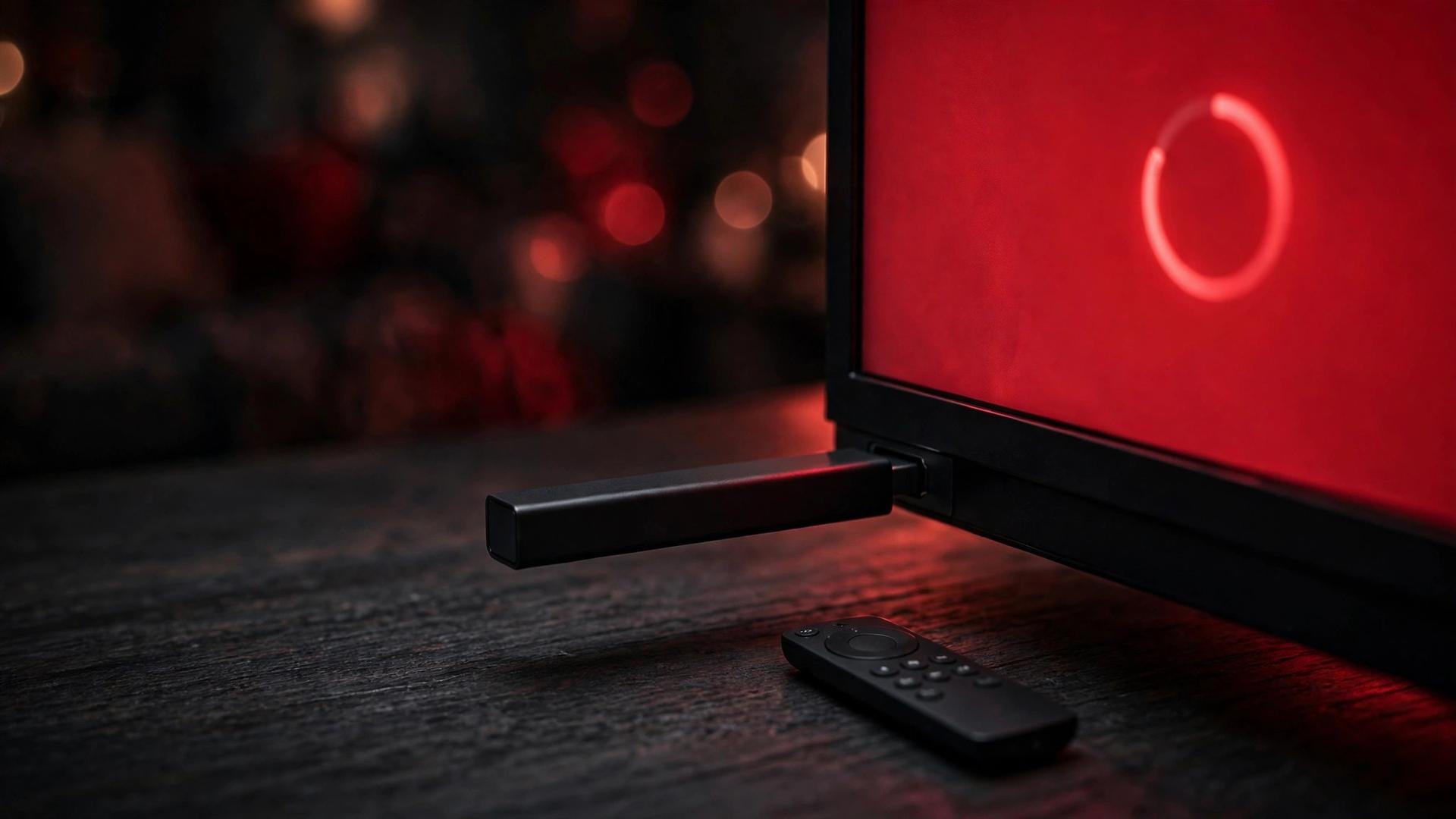
IBO Player Firestick setup is the most flexible way to run IBO Player, because it turns almost any television with an HDMI port into a smart TV, and it works the same way whether your television is a Samsung, an LG, or an older set with no app store at all. The Firestick install is quick. The remote is simple. The activation process is identical to every other device. Your MAC address unlocks your playlist.
A Firestick turns almost any television into an IBO Player screen. Plug it into HDMI, install the app, copy the address, send it to support. The install is quick. The remote is simple. The activation is identical to every other device. Where Firestick owners get stuck is storage — a full stick slows the app down, crashes it, or refuses a new install without a clear error. Keep 1 GB free and most of that never happens.
IBO Player Firestick: the first install steps
From the Firestick home screen, open Search. Type IBO Player. Select the official app from the results. Then choose Get or Download. If the app does not appear in search on your model, use the Downloader method your provider recommends, or check for a Fire OS update in Settings, then My Fire TV, then About, then Check for Updates. Open IBO Player once it installs, and the welcome screen shows your MAC address and Device Key. IBO Player Activation Guide 2026.
Keep your Firestick software current, because an outdated Fire OS can make apps crash or fail to open. Also make sure the Firestick is plugged into a wall socket rather than a television USB port where possible, because a television USB port can supply too little power and cause random restarts that look like app failures.
Activate IBO Player on Firestick
Send the MAC address and Device Key from the welcome screen to IBO Player TV on WhatsApp at +212 604 034 330, and choose the 24-hour free trial or a paid plan. Premium costs $19.99 for one month, $49.99 for three months, $79.99 for six months and $99.99 for twelve months; Basic costs $14.99, $24.99, $39.99 and $59.99. Wait for the confirmation message, then close IBO Player fully and reopen it, allowing up to a minute for the full playlist to load the first time.
Do not send the MAC address from the Firestick network settings, because that is the Amazon device address and it will not activate IBO Player. The only address that works is the one shown inside the IBO Player app. If the playlist does not appear after a restart, use the reload option in the app settings, which forces a fresh download of the channel list.
Free up space so IBO Player runs smoothly
Firestick devices have limited storage, and a full Firestick is the most common reason IBO Player slows down or crashes. Go to Settings, then Applications, then Manage Installed Applications. Check the free space. Uninstall apps you no longer use, and clear the cache of heavy apps, including IBO Player itself, from the same menu. Aim to keep at least 1 GB free, because the programme guide and channel images need room to download. IBO Player Buffering and Freezing Fix.
Restart your Firestick once a week. Hold Select and Play together for a few seconds. Or unplug it briefly. A weekly restart clears temporary memory, fixes the sluggish menus that build up over time, and prevents the overheating that happens when a Firestick is left running for weeks behind a warm television.
Best Firestick settings for IBO Player
Connect the Firestick to 5 GHz Wi-Fi when the router is nearby, or use the official Ethernet adapter when the television is far from the router, because live television is far less forgiving of Wi-Fi drops than on-demand video. In Settings, then Display and Sounds, set the video resolution to match your television, and set Match Original Frame Rate to on, so films play at their natural speed instead of juddery converted motion. IBO Player Android TV Setup 2026.
Inside IBO Player, choose a stream quality your connection can sustain, and avoid opening several apps in the background while you watch live sport. If a channel buffers, first test your speed on the Firestick, then drop one quality step in the app, and only then restart the router, because most Firestick buffering is a local network problem rather than a playlist problem.
- Search for the official IBO Player in the Firestick app store
- Copy the in-app MAC address and Device Key from the welcome screen
- Send them to WhatsApp +212 604 034 330 for activation
- Keep at least 1 GB free and clear the app cache regularly
- Use 5 GHz Wi-Fi or the Ethernet adapter for live channels
| Firestick step | Where | Tip |
|---|---|---|
| Install app | Search, IBO Player, Get | Official app only |
| Find MAC | IBO Player welcome screen | Not the Fire TV settings MAC |
| Activate | WhatsApp +212 604 034 330 | Trial first, then a plan |
| Free space | Settings, Applications, Manage | Keep 1 GB free |
| Connection | 5 GHz Wi-Fi or Ethernet | Match frame rate on |
IBO Player Firestick: What to Do When the App Will Not Install
If the Firestick app store does not show IBO Player on your model, do not guess at a download code. Message IBO Player TV on WhatsApp at +212 604 034 330 and ask for the current install details for your Firestick model — support will send the route that works now, and the activation details arrive on WhatsApp. Before you install anything from outside the Amazon Appstore, open Settings, then My Fire TV, then Developer options, and switch on Apps from Unknown Sources. On newer Fire OS versions the Developer options menu stays hidden until you tap the device name under About seven times, so do that first if you cannot see the menu. Once the app is installed, open it and copy the MAC address and Device Key from the welcome screen — those are the details you send for activation, not the MAC address in the Firestick network settings.
If the install still fails, check the free space first: go to Settings, then Applications, then Manage Installed Applications, and remove apps you no longer use until at least 1 GB is free, because a full Firestick refuses new installs without a clear error. Then restart the Firestick by holding Select and Play together for a few seconds and try the download again on a stable connection, since a weak Wi-Fi signal is the other common cause of a download that stops halfway.
After a successful install, keep the Firestick software current, restart it once a week, and clear the IBO Player cache regularly so the app stays fast.
A Firestick is the fastest route to IBO Player on any television. Keep 1 GB free. Restart it once a week. Use 5 GHz Wi-Fi or the Ethernet adapter. Activate through IBO Player TV, test with the 24-hour free trial, and pick your plan only after live channels play smoothly at peak time.